
Available on iPhone, iPad, and Mac
Cook from pictures
Keep recipes visual and easy to return to, with gallery-first browsing and detail pages for ingredients, notes, and the final result.
Scenario 2 / 6
Recipes and Cooking
From quick capture to shared collections
eDots is organized around the way dots move through your life: create them, shape them, view them, and share them when they matter.
General
Native, personal, and ready everywhere
eDots keeps the product simple at the surface while staying useful across the Apple devices you already use.
Free for Personal Use
Collect your dots freely, with collaboration features designed to unlock when sharing matters.
Apple-Native Experience
Designed around familiar iPhone, iPad, and Mac interaction patterns.
Cross-Device Compatible
Use the same dot system across phone, tablet, and desktop contexts.
Create
Capture dots from anything
Start from structured data, fast text entry, images, or AI-assisted creation when the idea is still rough.
Import and Export JSON
Keep ownership of your data with full JSON import and export support.
Quick List Entry
Paste existing text or image lists and turn each line into usable dots quickly.
AI-Assisted Creation
Use AI-era helpers to shape raw thoughts into organized dots with less friction.
Modify
Let each dot grow over time
Dots can stay lightweight or become richer records with comments, counters, todos, tags, and rediscovery.

Comments, Reactions & Replies
Leave reflections on a dot, react with emoji, and reply once in shared collections — so journaling with pals stays conversational.
Counters and Randomize
Track repeated moments, then resurface forgotten dots when you need a spark.
Todos and Tags
Use action fields and labels to keep collections easy to organize.
Today's Reminders & Badges
Set reminders on dots or collections — they sync via iCloud across your devices. Tap the Home bell for today's due list, manage past items, and show today's count on the app icon.
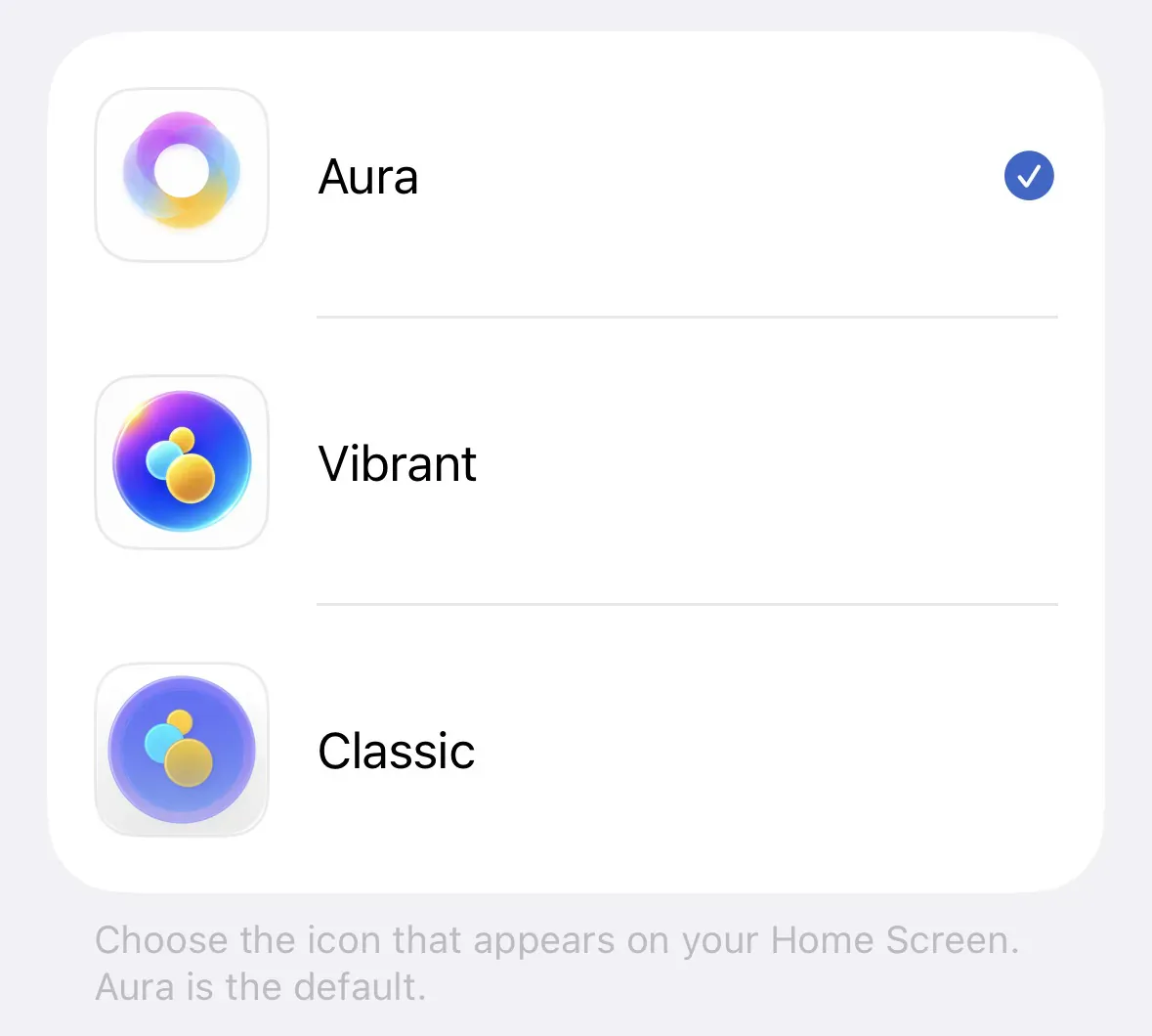
Three App Icons
Choose Aura, Vibrant, or Classic from My Dots → App Icon on iPhone and iPad.

Dot Inter-Links
Connect related dots from dot detail — links persist through export and show when you share a card.
View
Switch the view to fit the collection
Different dots need different lenses, from daily reflection to lists, galleries, calendars, maps, and focused reading views.
Daily Widget Reflection
Bring selected dots back to your Home Screen for easy daily thinking.
Collection Views
Browse collections as lists, task lists, galleries, calendars, or maps.
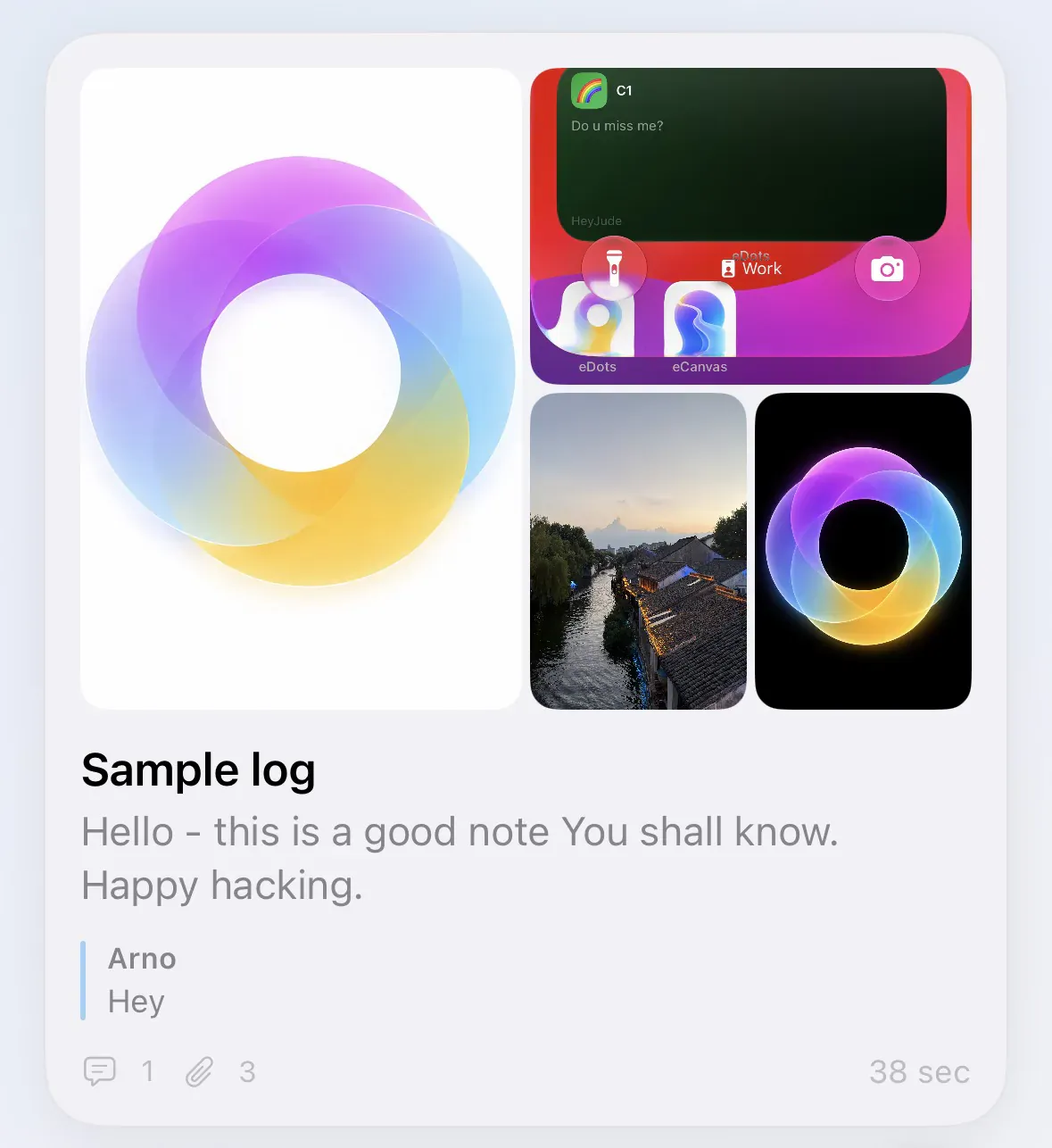
Feed Journal & Diary Detail
In a Feed collection, skim journal-style cards, open Diary detail for a memory mosaic, and capture with a lighter Title / Content / Attachments form.

History Code of the Day
See a dot from this calendar date in each past year on Home and in the daily widget — tap through to review by year.
Dot Views
Open each dot in quote, normal, simple, diary, or gallery-focused layouts — and select across markdown paragraphs to Copy, Look Up, or Translate on iOS.
Find and Focus
Group, filter, sort, and search in the app — or find dots and collections from Spotlight and Siri.
Share
Share without losing ownership
Keep private dots in iCloud, turn moments into shareable cards, and co-edit collections with trusted people.
Private iCloud Sync
Sync across the Apple ecosystem while keeping personal data under your account.
Image Card Sharing
Turn selected dots into visual cards — now with Morandi palettes and a Cover theme that uses your dot photo.
Shared Collections
Co-edit collections with friends or family — mute Comments, New Dots, Edits, or Deletes per shared collection so alerts stay useful.